
Omnisearch for Obsidian
This plugin is in an early beta state. It's usable, but things may break, features are missing, configuration is non-existent, etc.
If you experience what you consider to be bug or performance problem, please open an issue.
Omnisearch aims to provide a fast, unobtrusive, and "intelligent" search interface for Obsidian. Under the hood, it uses the excellent MiniSearch library.

Installation & Usage
Omnisearch is not yet available on the official community plugins repository. You can either:
- Install it through BRAT
- Or manually download the
scambier.obsidian-omnisearch-x.y.z.zipfile from the releases page and unzip it in your.obsidian/pluginsfolder.
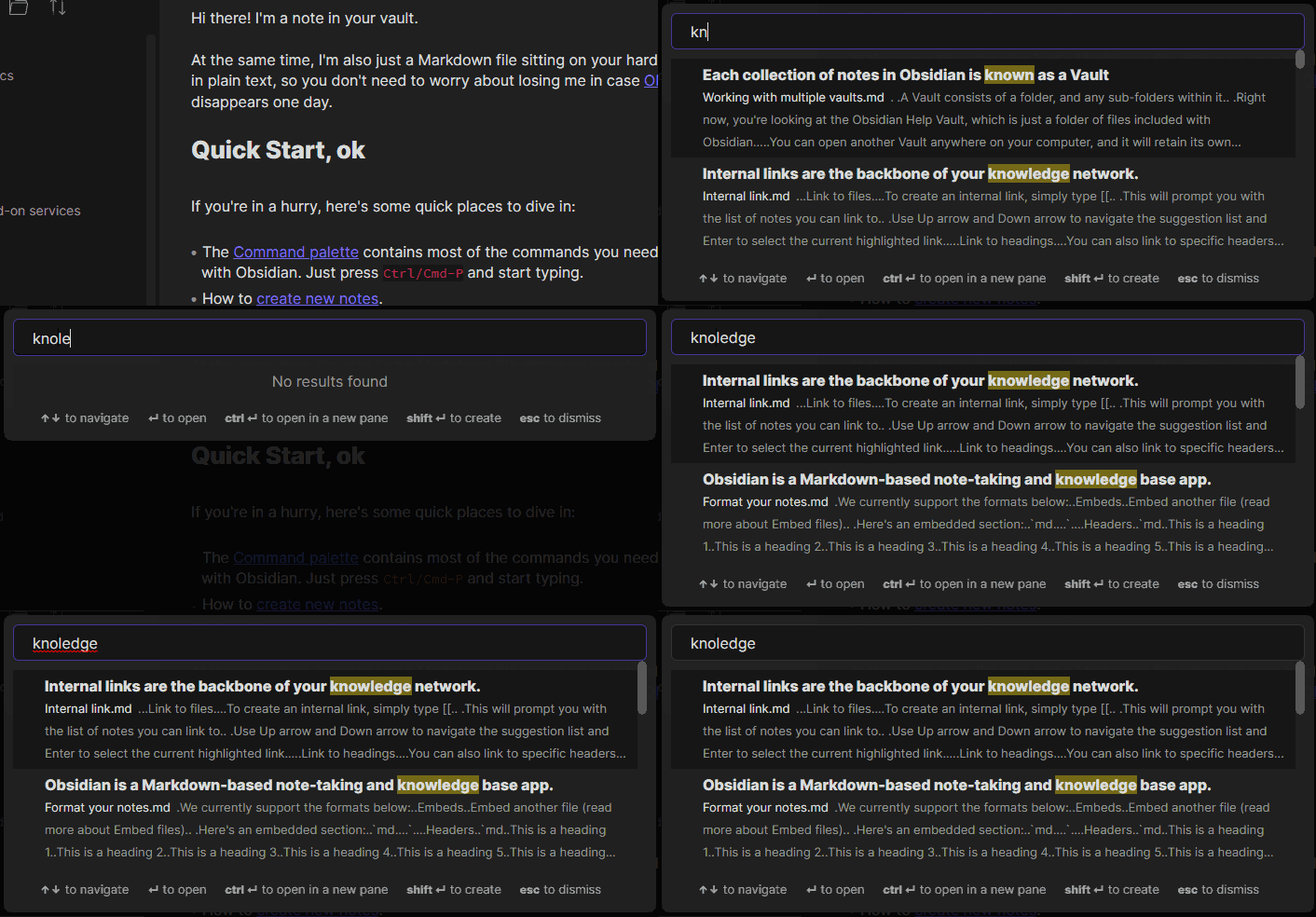
Once activated, you can access Omnisearch through the Command Palette by looking for "Omnisearch". You can also assign it a keybind for faster access. The Omnisearch modal works like the Quick Switch plugin: just type your query, navigate with the arrows, and open the note with Enter.
Features
- Automatic document scoring using the BM25 algorithm.
- Your notes are split into different fields (filename, title, body) that are weighted differently to sort the results.
- Get results as you type
- Highlight matching query terms
- Fuzzy/partial search, resistance to typos

Motivation
Obsidian works best with a well-organized vault, but most of my notes are unrelated tidbits of knowledge and code snippets, without tags, links, of even folders.
Since I like to favor "search over organization", I wanted to make a search interface that would be useful for me.