 087ec5cc99
commit 3b229cad538ad88ef2d366964c4261bc0e02fb7c Author: Simon Cambier <simon.cambier@protonmail.com> Date: Sat Nov 5 14:30:08 2022 +0100 1.8.0-beta.1 commit f43c369b2dd0a1083b171724e3f7466429505629 Author: Simon Cambier <simon.cambier@protonmail.com> Date: Sat Nov 5 13:39:45 2022 +0100 Squashed commit of the following: commit 93508ee95046385baf62475e5bd835ed9fafe6d3 Author: Simon Cambier <simon.cambier@protonmail.com> Date: Sat Nov 5 13:35:56 2022 +0100 Cleaning commit 205e6a7cce4c1939338820f366f7ae8a067ec7fb Author: Simon Cambier <simon.cambier@protonmail.com> Date: Fri Nov 4 08:53:46 2022 +0100 Added logs commit ea19b94e164581829908ac71d09a60e230925a7f Author: Simon Cambier <simon.cambier@protonmail.com> Date: Thu Nov 3 22:27:24 2022 +0100 Notices commit 53ff4e822b3c292a56da150b94a1cfe43e199d44 Author: Simon Cambier <simon.cambier@protonmail.com> Date: Thu Nov 3 22:27:09 2022 +0100 Custom minisearch build + Notice when the cache could be corrupted commit 498408afd1c350dd68969318c3533fff8aa6c172 Author: Simon Cambier <simon.cambier@protonmail.com> Date: Thu Nov 3 22:26:22 2022 +0100 Added a button to manually clear the cache commit 90afe5d3868989626ba4613b064e24ac7efa88be Author: Simon Cambier <simon.cambier@protonmail.com> Date: Thu Nov 3 22:03:41 2022 +0100 Optimized loading minisearch from cache commit 719dcb9c82f09f56dabb828ac13c9c1db7f795bb Author: Simon Cambier <simon.cambier@protonmail.com> Date: Thu Nov 3 21:43:49 2022 +0100 #92 - Refactored cache to make it behave like pre-indexedDb commit 2164ccfa39d83eef23231d01e8aa35ac30e0d31c Author: Simon Cambier <simon.cambier@protonmail.com> Date: Wed Nov 2 23:13:59 2022 +0100 Removed cache & tmp engine commit 50eb33bbd4d074be9a9952eaf871cd8f58b327e6 Author: Simon Cambier <simon.cambier@protonmail.com> Date: Wed Nov 2 22:56:04 2022 +0100 More efficient loading of PDFs commita6342a675fAuthor: Simon Cambier <simon.cambier@protonmail.com> Date: Wed Nov 2 10:34:02 2022 +0100 #120 - Cleaning of old cache databases commitb6890567f3Author: Simon Cambier <simon.cambier@protonmail.com> Date: Mon Oct 31 17:28:17 2022 +0100 Updated Readme
6.3 KiB
Omnisearch for Obsidian





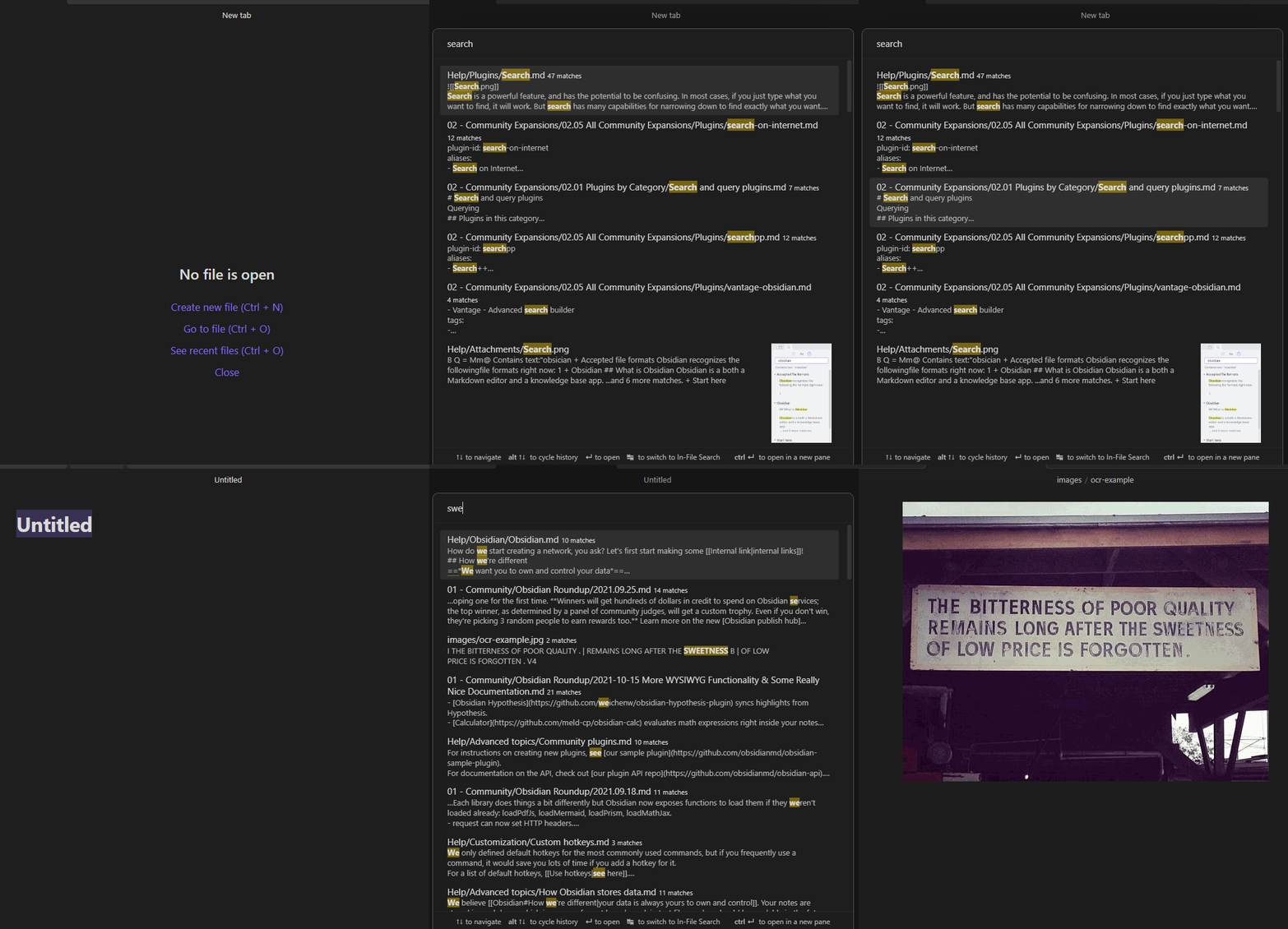
Omnisearch is a search engine that "just works". It always instantly shows you the most relevant results, thanks to its smart weighting algorithm.
Under the hood, it uses the excellent MiniSearch library.
Features
- Find your notes faster than ever
- Workflow similar to the "Quick Switcher" core plugin
- Automatic document scoring using the BM25 algorithm
- The relevance of a document against a query depends on the number of times the query terms appear in the document, its filename, and its headings
- Can search other plaintext files and PDFs
- Opt-in in settings
- PDF indexing is disabled on iOS
- Keyboard first: you never have to use your mouse
- Resistance to typos
- Switch between Vault and In-file search to quickly skim multiple results in a single note
- Supports
"expressions in quotes"and-exclusions - Directly Insert a
[[link]]from the search results - Respects Obsidian's "Excluded Files" list - results are downranked, not hidden
- Supports Vim navigation keys (ctrl + j, k, n, p)
Note: support of Chinese, Japanese, Korean, etc. depends on this additional plugin. Please read its documentation for more information.
Installation
- Omnisearch is available on the official Community Plugins repository.
- Beta releases can be installed through BRAT. Be advised that those versions can be buggy.
You can check the CHANGELOG for more information on the different versions.
Usage
Omnisearch can be used within 2 different contexts:
Vault Search
Omnisearch's core feature, accessible with the Command Palette "Omnisearch: Vault search". This modal searches through your vault and returns the most relevant notes. That's all you need to find a note.
If you want to list all the search matches of a single note, you can do so by using tab to open the In-File Search.
In-File Search
Also accessible through the Command Palette "Omnisearch: In-file search". This modal searches through the active note's content and lists the matching results. Just press enter to automatically scroll to the right place.
Public API
This API is an experimental feature, the
ResultNoteinterface may change in the future. Thesearch()function returns at most 50 results.
If you're a plugin developer, you can use this "plugin-api" package, and get the api through pluginApi('omnisearch').
Otherwise, you can access it with app.plugins.plugins.omnisearch.api.
// API:
{
  // Returns a promise that will contain the same results as the Vault modal
  search: (query: string) => Promise<ResultNote[]>
}

type ResultNoteApi = {
  score: number
  path: string
  basename: string
  foundWords: string[]
  matches: SearchMatch[]
}

type SearchMatch = {
  match: string
  offset: number
}
Dataview Integration
You can use the Omnisearch API directly within the Dataview plugin.
```dataviewjs
const results = await app.plugins.plugins.omnisearch.api.search('your query')
const arr = dv.array(results).sort(r => r.score, 'desc')
dv.table(['File', 'Score'], arr.map(o => [dv.fileLink(o.path), Math.round(o.score)]))
```
CSS Customization
There are several CSS classes you can use to customize the appearance of Omnisearch.
.omnisearch-modal
.omnisearch-result
.omnisearch-result__title
.omnisearch-result__counter
.omnisearch-result__body
.omnisearch-highlight
.omnisearch-input-container
.omnisearch-input-field
For example, if you'd like the usual yellow highlight on search matches, you can add this code inside a CSS snippet file:
.omnisearch-highlight {
    color: var(--text-normal);
    background-color: var(--text-highlight-bg);
}
See styles.css for more information.
Issues & Solutions
Omnisearch makes Obsidian sluggish at startup.
- You may have big documents. Huge notes (like novels) can freeze the interface for a short time when being indexed. While Omnisearch uses a cache between sessions, it's still rebuilt at startup to keep it up-to-date.
I have thousands of notes, and at startup I have to wait a few seconds before Omnisearch gives me the context of a result.
- Omnisearch refreshes its index at startup. During this time, you can still find notes, but Omnisearch is not able to show you the excerpts.
Omnisearch gives inconsistent/invalid results, or there are errors in the developer console.
- Restart Obsidian to force a reindex of Omnisearch
A query should return a result that does not appear.
- If applicable, make sure that "Ignore diacritics" is enabled.
- If you have modified them, reset weightings to their original values.
- Rewrite your query and avoid numbers and common words.
How do I highlight matches in search results?
See here.
I'm still having an issue
You can write your issue here with as much details as possible.
LICENSE
Omnisearch is licensed under GPL-3.
Sponsors
